
Quick Answer
Customer Video Field Proof helps buyers test whether a wearable safety light performs in the user’s real field conditions. The answer depends on recognition from realistic angles, reliable mounting, easy controls, controlled glare, battery routine, durability, and whether users will keep wearing the device after the first demo.
Definition
Customer Video Field Proof: Customer video field proof is visual evidence showing how a wearable safety light performs in real user conditions, provided the video includes enough context to be trusted.
Key Takeaways
- Customer Video Field Proof should be evaluated through field behavior, not marketing language alone.
- A useful wearable safety light must be visible from realistic angles during real movement.
- Mounting, controls, battery routine, glare, and user adoption matter as much as brightness.
- The final purchase decision should be based on repeatable evidence from the user's actual scenario.
Who This Guide Is For
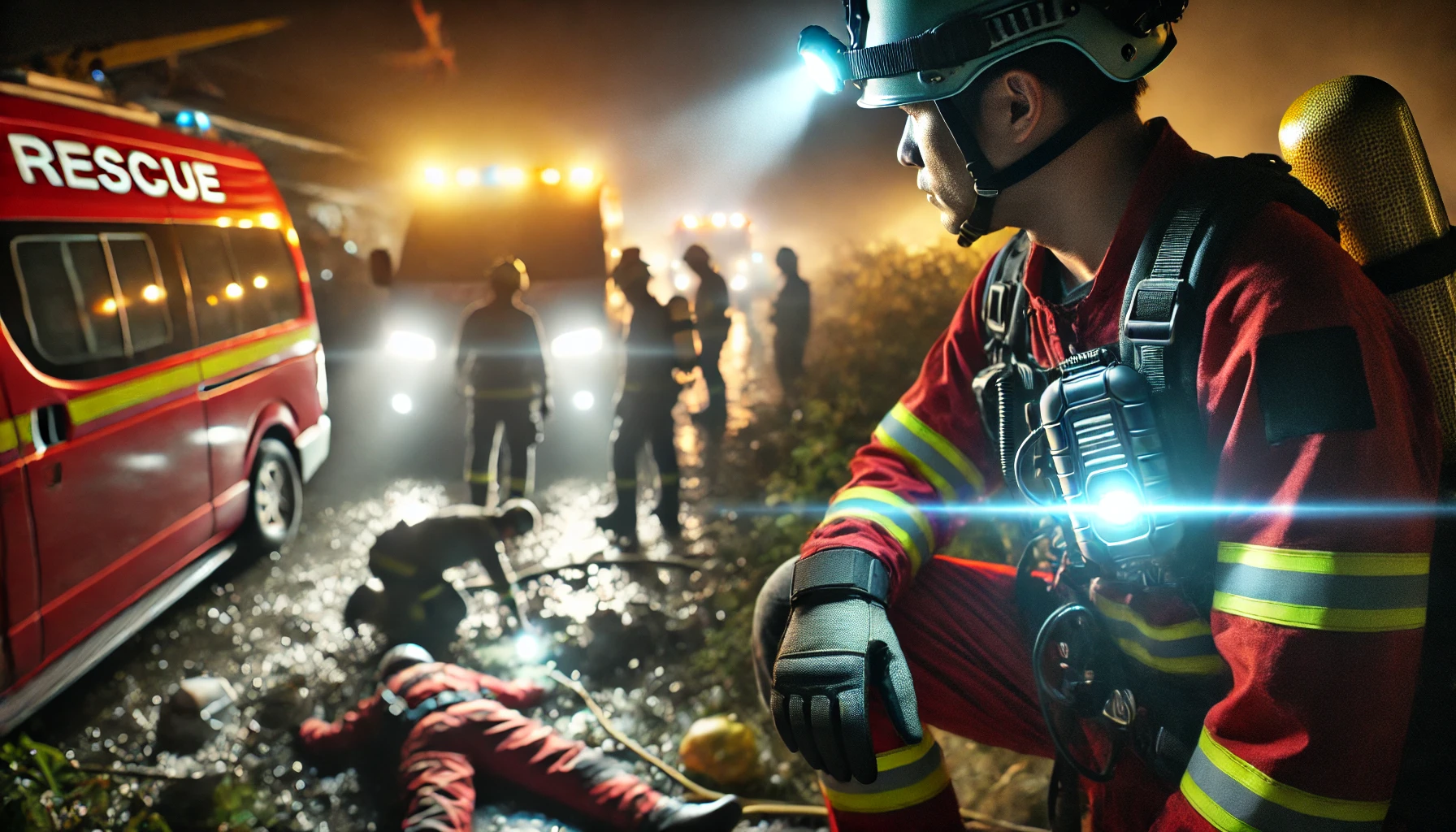
This guide is for buyers, distributors, safety committees, field supervisors, departments, and marketing teams that need credible proof of wearable safety light performance. It is written for people who need a defensible buying decision, not just a product description.
Real-World Use Scenario
The practical test for Customer Video Field Proof should happen in customer field videos, sample trial documentation, before-and-after visibility clips, night shift review, training evidence, committee presentations, and supplier comparison files. A user who only checks a wearable safety light in a bright office has not learned enough. The device needs to be tested during movement, weather, clothing changes, stress, and the moment when another person must recognize the wearer.
Video proof can persuade buyers, but it can also mislead them if the clip uses perfect angles, exaggerated darkness, edited brightness, or missing context. Buyers need a way to judge whether the footage proves real usefulness. This is why the article focuses on field evidence. The buyer needs to know whether the light still works when the user is tired, wet, gloved, distracted, moving, or carrying equipment.
User Pain Points This Article Solves
| User concern | Why it matters | Practical answer |
|---|---|---|
| Will it work in my real environment? | Lab or product photos do not show movement, weather, PPE, or fatigue. | Test the light in the exact task, clothing, and lighting condition. |
| Will users keep wearing it? | Uncomfortable or confusing gear gets removed. | Ask users to score comfort, control, and mounting after real use. |
| Will it improve recognition from the right angle? | Many failures happen from side or diagonal angles. | Check front, rear, side, and diagonal recognition separately. |
| Will the mode create glare or confusion? | Too much signal can reduce acceptance and battery life. | Select the lowest mode that produces reliable recognition. |
| Can the team maintain it? | A dead or dirty light creates false confidence. | Document charging, cleaning, storage, and inspection routines. |

Technical Details That Matter
The most important technical points are camera angle, distance, lighting context, user movement, side visibility, unedited clips, weather notes, mode disclosure, comparison baseline, privacy handling, and permission to use customer footage. Treat these as field questions, not brochure terms. A buyer should confirm how each detail behaves when the user is wearing real gear and doing real work.
1. Recognition Before Brightness
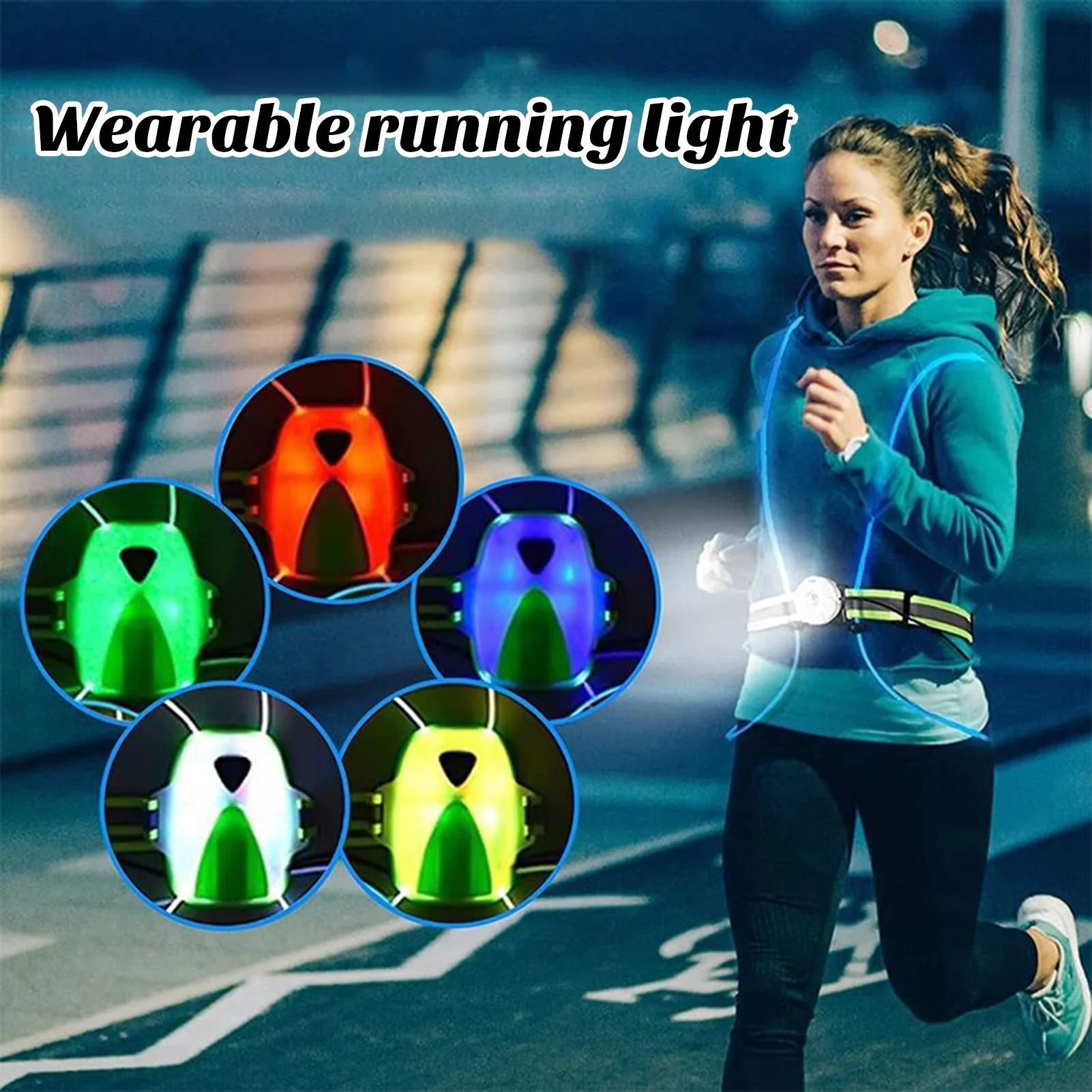
The goal is not simply to create a bright point of light. The goal is to help another person recognize that a human being is present, moving, stopping, turning, or working. Recognition should be checked from realistic distances and angles.
2. Mounting and Body Blocking
Even a strong LED can fail if a jacket, vest, strap, pack, helmet, arm, harness, or tool blocks it. Buyers should photograph the approved mount and retest it after normal movement.
3. Controls Under Stress
Buttons, mode order, charging feedback, and accidental activation matter most when the user is cold, wet, gloved, rushed, or managing another task. The device should not require perfect conditions.
4. Weather and Durability
Rain, dust, mud, sweat, vibration, impact, and repeated storage can all affect the device. A sample test should include the most likely environmental stress for that user group.
5. Repeatable Maintenance
The best product is not the one that wins a single demo. It is the one that users can charge, clean, store, inspect, and wear again without confusion.
Buyer Scorecard
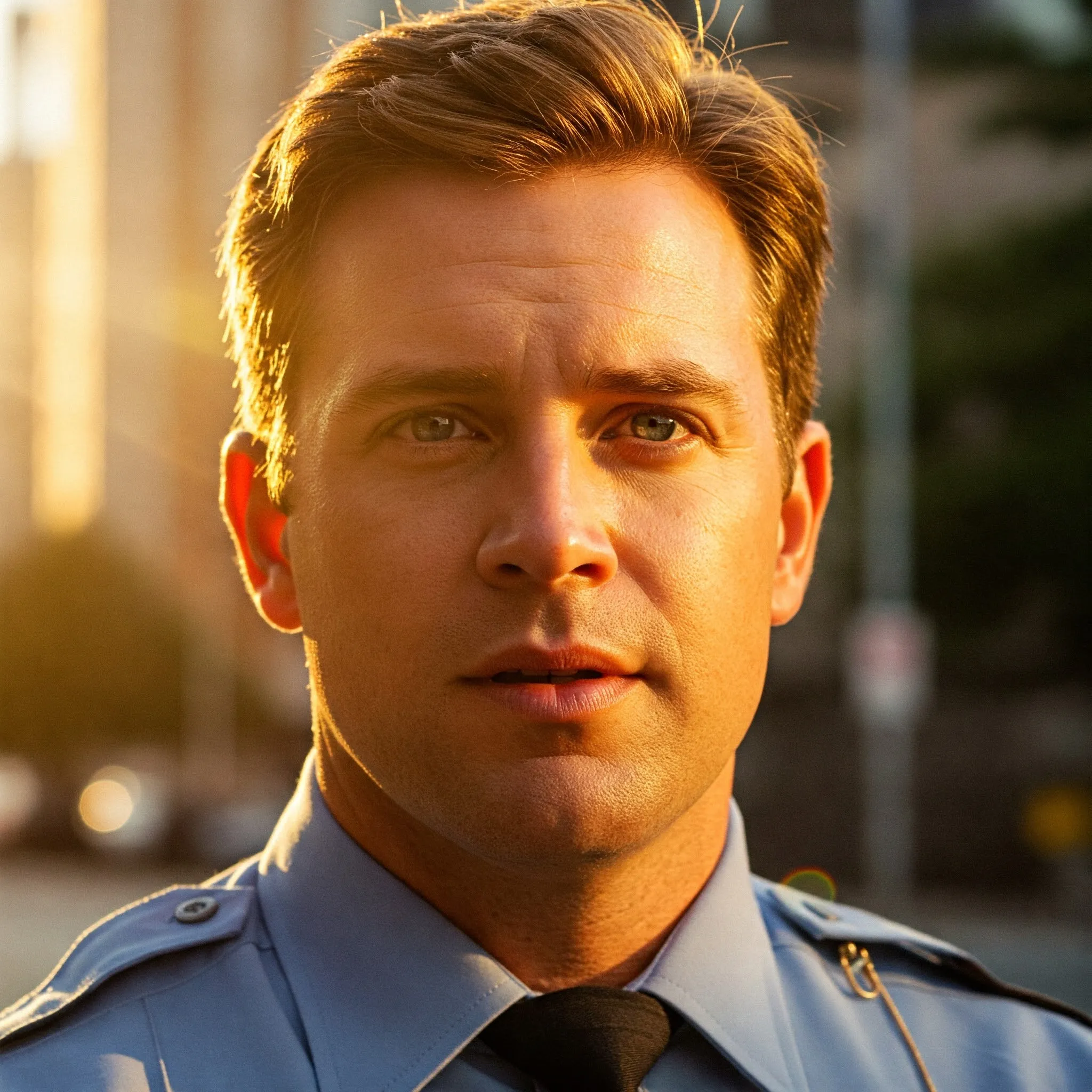
| Score area | Pass standard | Fail warning |
|---|---|---|
| Visibility | The wearer is recognizable from front, rear, side, and diagonal angles. | The light looks bright from one angle but disappears during real movement. |
| Mounting | The device stays secure on the user’s actual gear. | The light rotates, falls, pinches, or gets covered. |
| Controls | The user can choose the correct mode without looking down for long. | Buttons are too small, confusing, or easy to mispress. |
| Glare | The signal improves recognition without blinding nearby people. | The user or team turns the light off because it is annoying. |
| Battery | The selected mode lasts through the planned use plus reserve. | The claim does not match mode, weather, or real routine. |
| Adoption | Users say they would keep wearing and charging it. | The device creates too much friction for daily use. |
How to Compare Options
Compare products using the same task, the same clothing, the same distance, the same observer angles, and the same scoring sheet. If one sample is tested indoors and another is tested in rain, the comparison is not fair. The buyer should change only one variable at a time: device, mount, mode, or placement.
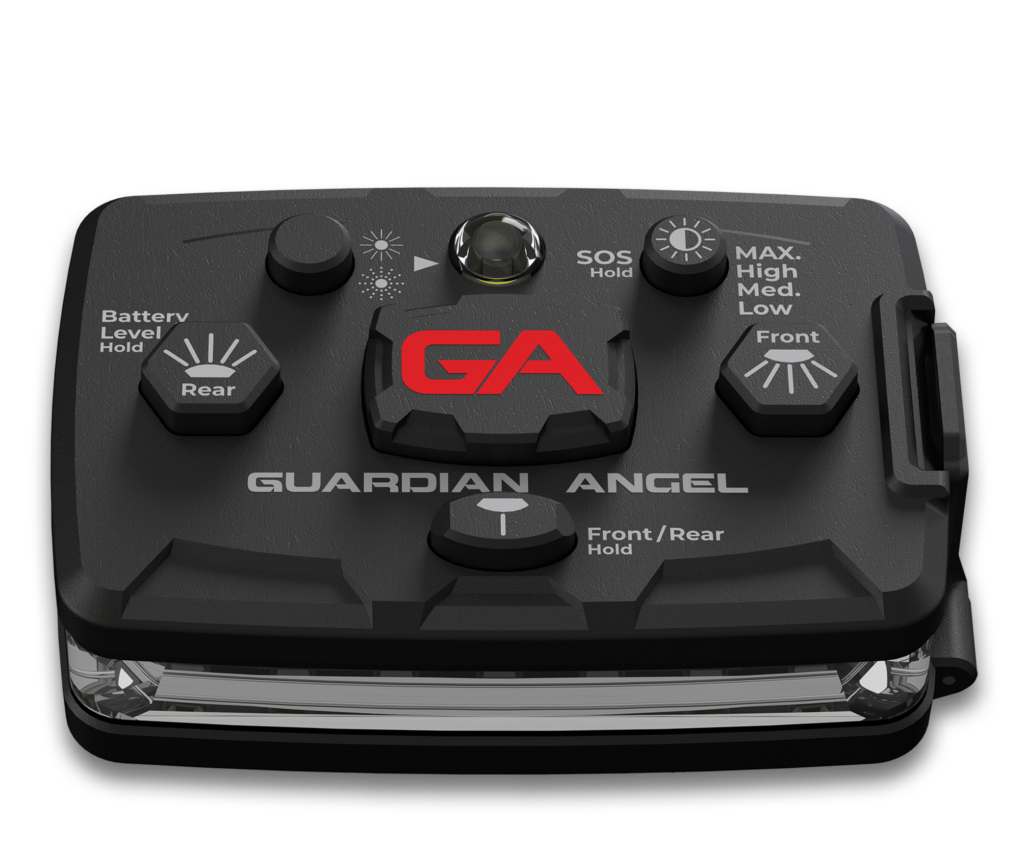
Use Guardian ProX wearable safety light as the sample device when checking active visibility, mounting, mode control, battery routine, and field adoption. The product should be judged by whether it solves the user’s real problem, not by whether it looks impressive in isolation.
Common Mistakes to Avoid
- Approving the light after a still photo instead of a movement test.
- Ignoring side visibility because the front view looks bright.
- Choosing a harsh mode that users later turn off.
- Skipping charging, storage, and cleaning routines.
- Testing without the real gloves, jacket, vest, pack, harness, or tools.
- Confusing marketing distance with useful recognition distance.
Internal Links for Deeper Reading
- Sample Evaluation Program
- Safety Light Field Test Scorecard
- Visible Distance Claims Explained
- Supplier Comparison Without Brand Bias
- Guardian ProX Wearable Safety Light
- Government Buyer Checklist
- Safety Grant Article for Wearable Safety Lights
- State Light Color Rules
- Safety Committee Justification
- Fleet Deployment Plan
Implementation Checklist
- Define the user role and task before choosing the light mode.
- Photograph the approved mounting position.
- Check front, rear, side, and diagonal recognition.
- Test controls with real gloves, wet hands, or field stress where relevant.
- Write down battery, charging, cleaning, and storage routines.
- Ask users whether they would keep wearing it without being reminded.
Field Note 1: How to Make the Test Useful
For Customer Video Field Proof, write down the user role, task, weather, clothing, mount location, mode, and the first point where another person recognized the wearer. This prevents the test from becoming a loose opinion session.
A strong note describes the moment of risk. That might be a turn, a crossing, a wet dock, a traffic stop, a shift handoff, a fall, a dirty charging port, or a gloved mode change. If the light only performs during a perfect still photo, the setup is not ready for approval.
Field Note 2: How to Make the Test Useful
For Customer Video Field Proof, write down the user role, task, weather, clothing, mount location, mode, and the first point where another person recognized the wearer. This prevents the test from becoming a loose opinion session.
A strong note describes the moment of risk. That might be a turn, a crossing, a wet dock, a traffic stop, a shift handoff, a fall, a dirty charging port, or a gloved mode change. If the light only performs during a perfect still photo, the setup is not ready for approval.
Field Note 3: How to Make the Test Useful
For Customer Video Field Proof, write down the user role, task, weather, clothing, mount location, mode, and the first point where another person recognized the wearer. This prevents the test from becoming a loose opinion session.
A strong note describes the moment of risk. That might be a turn, a crossing, a wet dock, a traffic stop, a shift handoff, a fall, a dirty charging port, or a gloved mode change. If the light only performs during a perfect still photo, the setup is not ready for approval.
Field Note 4: How to Make the Test Useful
For Customer Video Field Proof, write down the user role, task, weather, clothing, mount location, mode, and the first point where another person recognized the wearer. This prevents the test from becoming a loose opinion session.
A strong note describes the moment of risk. That might be a turn, a crossing, a wet dock, a traffic stop, a shift handoff, a fall, a dirty charging port, or a gloved mode change. If the light only performs during a perfect still photo, the setup is not ready for approval.
Field Note 5: How to Make the Test Useful
For Customer Video Field Proof, write down the user role, task, weather, clothing, mount location, mode, and the first point where another person recognized the wearer. This prevents the test from becoming a loose opinion session.
A strong note describes the moment of risk. That might be a turn, a crossing, a wet dock, a traffic stop, a shift handoff, a fall, a dirty charging port, or a gloved mode change. If the light only performs during a perfect still photo, the setup is not ready for approval.
FAQ
What problem does Customer Video Field Proof solve?
It helps buyers, distributors, safety committees, field supervisors, departments, and marketing teams that need credible proof of wearable safety light performance evaluate whether a wearable safety light performs in customer field videos, sample trial documentation, before-and-after visibility clips, night shift review, training evidence, committee presentations, and supplier comparison files without relying only on catalog claims.
What should buyers test first?
Start with camera angle, distance, lighting context, user movement, side visibility, unedited clips, weather notes, mode disclosure, comparison baseline, privacy handling, and permission to use customer footage. Then check whether the user can repeat the setup without special effort.
Is the brightest or most technical option always best?
No. The best option is the one that improves recognition, avoids glare or confusion, remains comfortable, and fits the user's real routine.
Can a wearable light replace required PPE, rules, or supervision?
No. It should supplement required equipment, policies, route planning, supervision, and professional judgment.
Why use Guardian ProX in the field test?
Guardian ProX can be used as a sample device for checking visibility, mounting, controls, charging, and adoption under realistic conditions.
Final Recommendation
Approve Customer Video Field Proof only when the setup passes real movement, user comfort, angle recognition, maintenance, and repeatability. If the light fails one of those tests, change the placement, mode, or product sample and test again before standardizing it.
Field Note 18: How to Make the Test Useful
For Customer Video Field Proof, write down the user role, task, weather, clothing, mount location, mode, and the first point where another person recognized the wearer. This prevents the test from becoming a loose opinion session.
A strong note describes the moment of risk. That might be a turn, a crossing, a wet dock, a traffic stop, a shift handoff, a fall, a dirty charging port, or a gloved mode change. If the light only performs during a perfect still photo, the setup is not ready for approval.
Field Note 19: How to Make the Test Useful
For Customer Video Field Proof, write down the user role, task, weather, clothing, mount location, mode, and the first point where another person recognized the wearer. This prevents the test from becoming a loose opinion session.
A strong note describes the moment of risk. That might be a turn, a crossing, a wet dock, a traffic stop, a shift handoff, a fall, a dirty charging port, or a gloved mode change. If the light only performs during a perfect still photo, the setup is not ready for approval.
Field Note 20: How to Make the Test Useful
For Customer Video Field Proof, write down the user role, task, weather, clothing, mount location, mode, and the first point where another person recognized the wearer. This prevents the test from becoming a loose opinion session.
A strong note describes the moment of risk. That might be a turn, a crossing, a wet dock, a traffic stop, a shift handoff, a fall, a dirty charging port, or a gloved mode change. If the light only performs during a perfect still photo, the setup is not ready for approval.
Field Note 21: How to Make the Test Useful
For Customer Video Field Proof, write down the user role, task, weather, clothing, mount location, mode, and the first point where another person recognized the wearer. This prevents the test from becoming a loose opinion session.
A strong note describes the moment of risk. That might be a turn, a crossing, a wet dock, a traffic stop, a shift handoff, a fall, a dirty charging port, or a gloved mode change. If the light only performs during a perfect still photo, the setup is not ready for approval.
Field Note 22: How to Make the Test Useful
For Customer Video Field Proof, write down the user role, task, weather, clothing, mount location, mode, and the first point where another person recognized the wearer. This prevents the test from becoming a loose opinion session.
A strong note describes the moment of risk. That might be a turn, a crossing, a wet dock, a traffic stop, a shift handoff, a fall, a dirty charging port, or a gloved mode change. If the light only performs during a perfect still photo, the setup is not ready for approval.
Field Note 23: How to Make the Test Useful
For Customer Video Field Proof, write down the user role, task, weather, clothing, mount location, mode, and the first point where another person recognized the wearer. This prevents the test from becoming a loose opinion session.
A strong note describes the moment of risk. That might be a turn, a crossing, a wet dock, a traffic stop, a shift handoff, a fall, a dirty charging port, or a gloved mode change. If the light only performs during a perfect still photo, the setup is not ready for approval.
Field Note 24: How to Make the Test Useful
For Customer Video Field Proof, write down the user role, task, weather, clothing, mount location, mode, and the first point where another person recognized the wearer. This prevents the test from becoming a loose opinion session.
A strong note describes the moment of risk. That might be a turn, a crossing, a wet dock, a traffic stop, a shift handoff, a fall, a dirty charging port, or a gloved mode change. If the light only performs during a perfect still photo, the setup is not ready for approval.
Related Cluster Guide
For the full article path, buyer scorecard, and related use-case guides in this topic, open the Wearable Safety Light Procurement Hub.
Wearable Safety Light Resource Center
For the full topic map, field-test scorecards, procurement path, technical buyer guides, and Guardian Angel alternative comparisons, start with the Wearable Safety Light Resource Center.