
Quick Answer
Track adoption with daily use, charged units, missing units, failed checks, support issues, user comments, training refresh triggers, spare usage, and reorder threshold in one simple dashboard.
Here is the practical version. After a wearable safety light rollout, the job is not finished. Someone still has to notice whether workers are wearing the lights, whether chargers go missing, whether the same support question keeps coming back, and whether the next reorder will arrive before the team runs short.
That is the real work behind wearable safety light user adoption dashboard. It is not glamorous. It is mostly small checks, short notes, and a few honest conversations. But those ordinary habits are what turn a first order into a program that actually lasts.
Definition
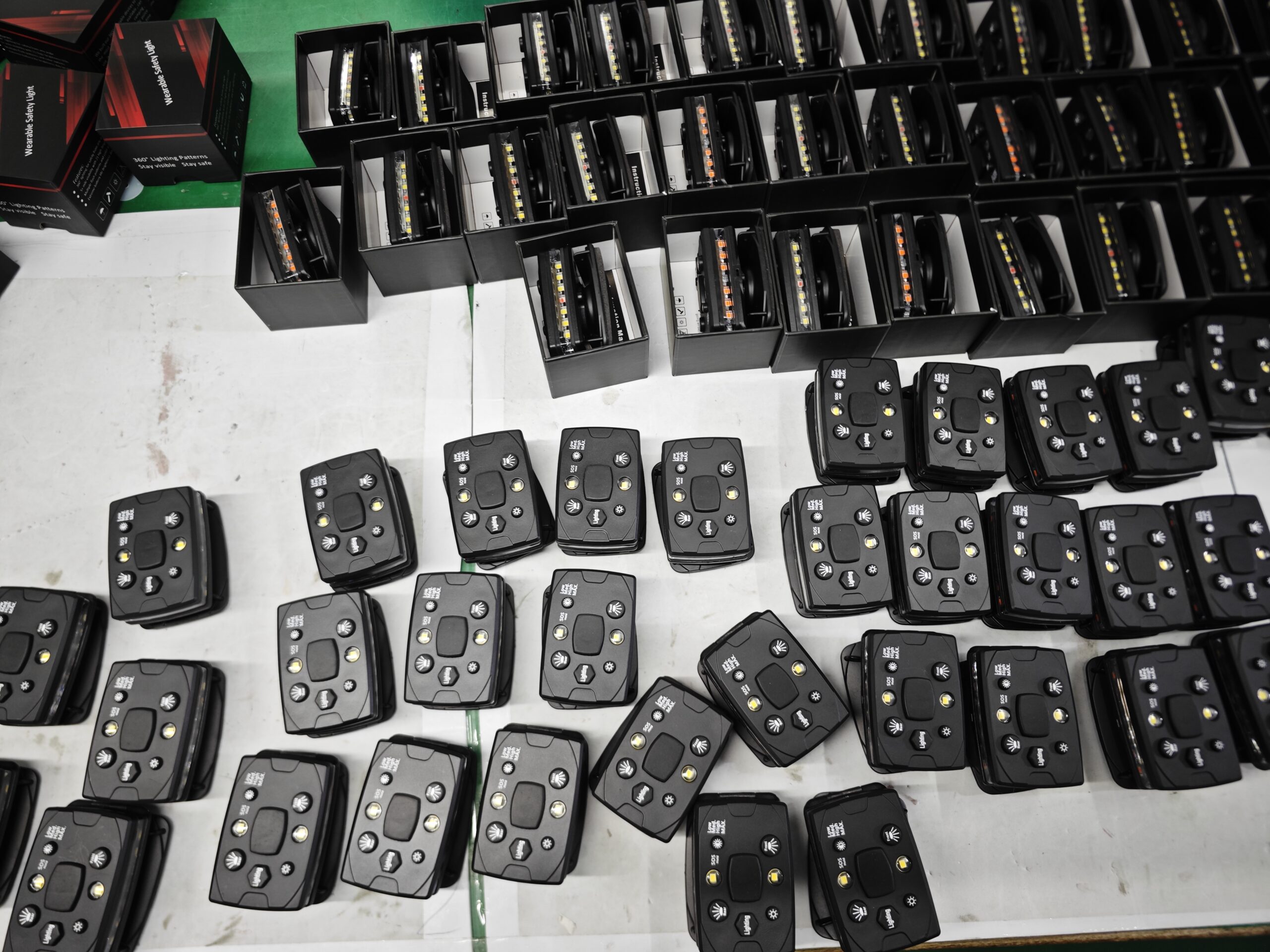
A wearable safety light user adoption dashboard helps teams track daily use, charging readiness, supervisor checks, missing units, user feedback, support issues, and training refresh needs.
Who This Guide Is For
This guide is for safety managers, supervisors, customer success teams, fleet operators, distributors, and department heads. It is written for the person who has to keep things working after the boxes have arrived and the first training is already over.
Key Takeaways
- Track adoption with daily use, charged units, missing units, failed checks, support issues, user comments, training refresh triggers, spare usage, and reorder threshold in one simple dashboard.
- Do not track everything. Track the few things that change training, support, replacement, or reorder decisions.
- A good program should feel usable on a busy Tuesday, not only in a planning document.
- Guardian ProX works best when charging, mounting, inspection, support, and reorder ownership are clear.
What Usually Happens After the First Order
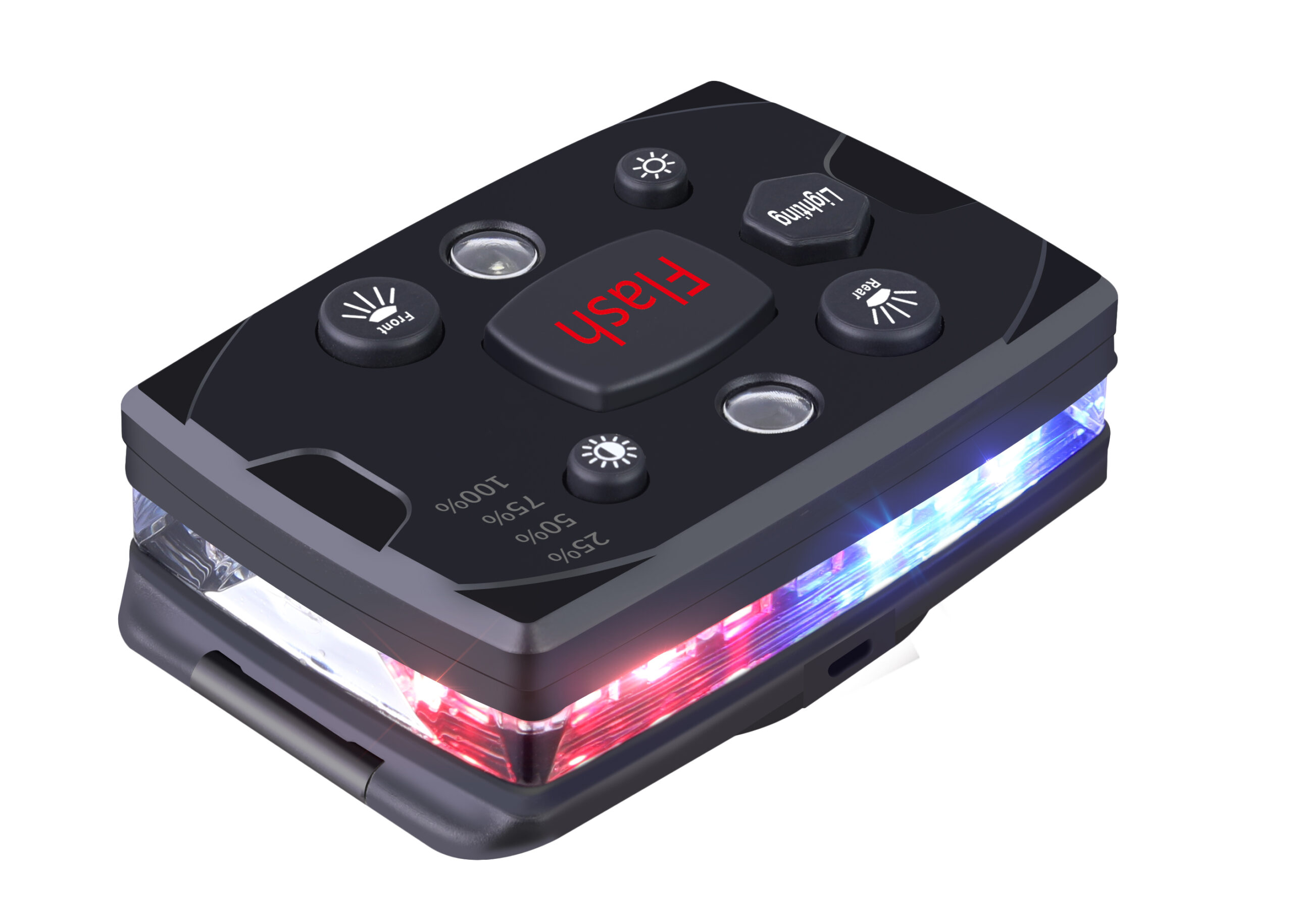
The first delivery often feels like the finish line. The lights arrive, the product looks good, and the team gets a short introduction. Then normal work takes over. A few people forget to charge their units. One mount disappears. A new worker joins and never hears the original explanation. Someone says the light is weak, but nobody knows whether it is a battery problem, a mode problem, or just the wrong mounting position.
User adoption can look fine during rollout but drop later if charging, comfort, missing mounts, mode confusion, or supervisor checks are not visible in a simple dashboard. That is not automatically a product failure. Very often, the product is fine and the routine around it is too loose.
For teams building a user adoption dashboard for daily use and feedback, the useful question is not, “Did we buy the right light?” The better question is, “Can the team keep using this light correctly when nobody is watching closely?”
A Practical Check, Not a Corporate Ritual
| What to Watch | Plain-English Check | Why It Matters |
|---|---|---|
| Daily use | Are the people who need the light actually wearing it? | If not, ask why before buying more. |
| Charging | Can someone see which units are ready before work starts? | A dead unit gives a false sense of safety. |
| Lost parts | Are mounts, labels, chargers, and shared units being recorded? | Small losses become surprise costs. |
| Support themes | Do the same questions keep coming back? | Repeated questions should change training or kit design. |
| Reorder timing | Will replacements arrive before the team runs short? | Lead time matters most after the program is live. |
Field Notes That Are Actually Worth Keeping
Do not ask users for a long report. Ask short questions while the work is still fresh. Was the light easy to find? Did it stay mounted? Did anyone complain about glare? Did the charger end up in the right place? Did a supervisor catch the wrong mode before work started?
Those answers are not polished, but they are useful. They tell you whether Guardian ProX is becoming part of the routine or just sitting in a drawer. They also help the supplier or distributor give better support, because the problem is no longer vague.
A simple rule helps: if a note cannot improve training, support, replacement, or reorder planning, it probably does not need to be tracked.
Three Small Examples
Example one: a crew says several lights are not bright enough. Before treating it as a product issue, check the mode, battery level, and mounting angle. Quite often the light is clipped too low, covered by a vest flap, or used in the wrong mode. The fix may be a thirty-second mounting reminder, not a replacement claim.
Example two: a distributor hears nothing after delivery. That sounds good, but it may only mean the buyer is busy. A short check-in can uncover useful details: two chargers are missing, one site needs more mounts, or the next budget cycle is coming. This is where a natural reorder conversation starts.
Example three: a supervisor keeps explaining the same charging rule. That is a signal. Maybe the charging station is in the wrong place. Maybe users do not know who owns end-of-shift return. Maybe the labels are not clear. Fixing the environment is usually better than repeating the instruction forever.
Where Guardian ProX Fits
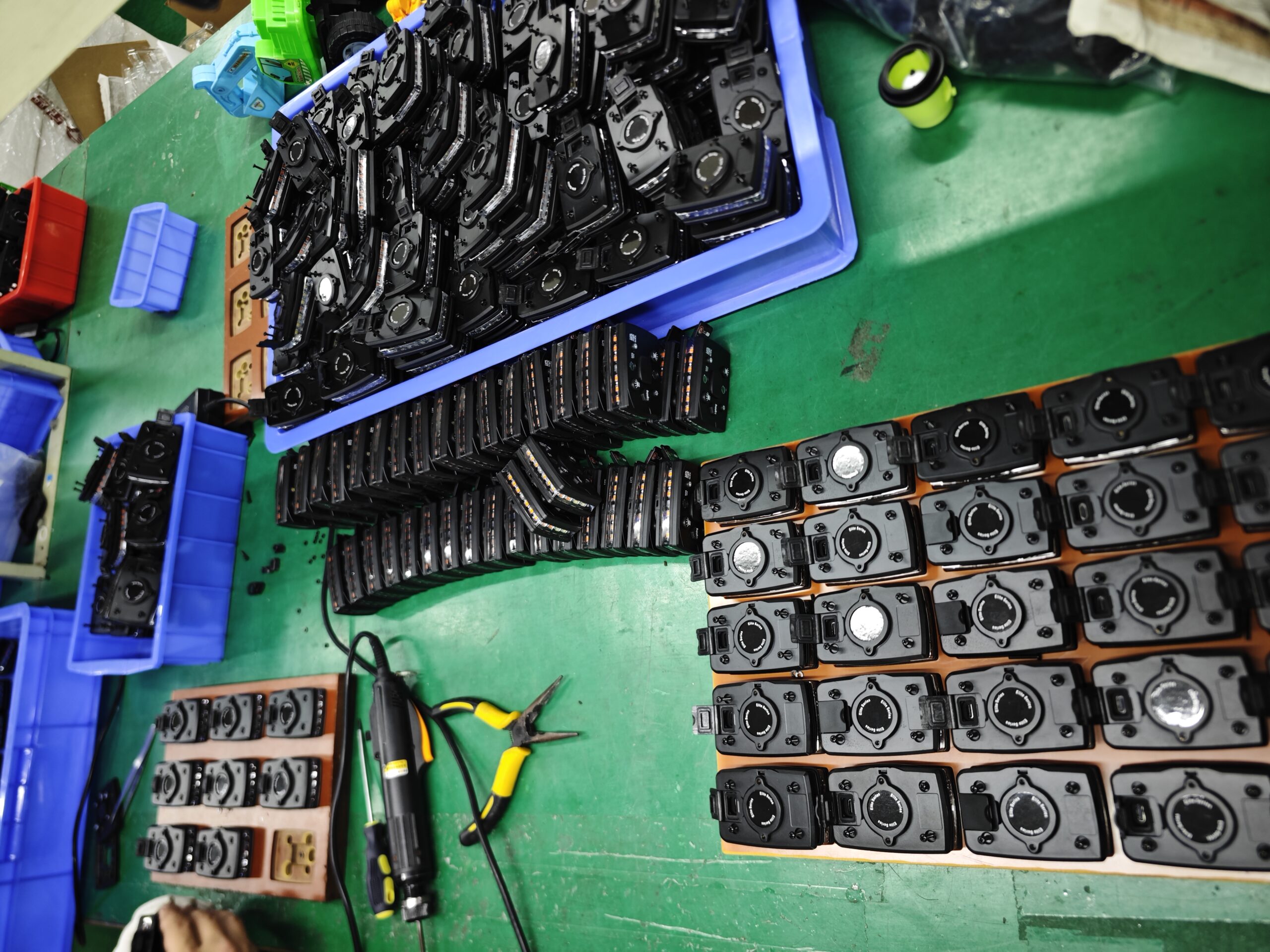
Guardian ProX should be treated as part of a working system, not as a one-time gadget purchase. The product page matters, of course, but the long-term result depends on boring details: charging, storage, mounting, supervisor checks, user habits, and replacement planning.
If you are reviewing this after delivery, open the Guardian ProX wearable safety light page and compare the product details with what is actually happening in the field. If the field routine is weak, fix the routine before blaming the product. If the same product issue repeats, document it clearly and send it through the support path.
Simple Review Rhythm
| When | What to Look At | What to Do Next |
|---|---|---|
| First week | Check whether users understand mount, mode, charging, and storage. | Fix confusion while the rollout is still fresh. |
| Every month | Look at loss, charging, support tickets, and spare stock. | Catch quiet drift before it becomes normal. |
| Every quarter | Review adoption, supplier support, warranty issues, and reorder forecast. | Keep buyer and supplier working from the same facts. |
| Before reorder | Confirm batch consistency, accessories, support notes, and field feedback. | Do not repeat the same mistake in a bigger order. |
What the Buyer and Supplier Should Each Own
The buyer owns the local routine: who receives the lights, where they charge, who checks them, and how issues get reported. The supplier or distributor owns the support path: how to answer questions, replace defective units, provide spare parts, and keep reorder information clear.
When those two sides blur, the program gets messy. Users complain to supervisors, supervisors complain to procurement, procurement asks the supplier, and nobody has the batch number or a photo. A little structure prevents that. Not heavy paperwork. Just enough ownership that the next person knows what to do.
- Name one owner for charging readiness.
- Keep one place for support tickets or issue notes.
- Record batch or order information before units are handed out.
- Keep spare mounts and chargers visible, not hidden in a drawer.
- Review repeated questions before ordering more units.
What Each Role Can Do This Week
The safety manager does not need to rebuild the whole program. They can ask for one field photo, one usage note, and one list of missing accessories. The supervisor can check whether the lights are charged before the shift. Procurement can confirm whether reorder lead time still matches the next busy season. The distributor can ask which support question came up twice.
These actions are intentionally small. Big systems tend to get postponed. Small actions happen while people are already doing the work.
- Supervisor: check mount, mode, and battery during one normal shift.
- Buyer: compare spare stock against actual loss or damage, not guesswork.
- Distributor: send one useful reminder before the buyer runs out of units.
- User: report the issue in plain language, with a photo if possible.
- Supplier: keep replacement rules and batch information easy to find.
Where Programs Usually Drift
Programs drift in ordinary ways. A charger moves. A supervisor changes. A new site copies the old process but skips the explanation. A distributor assumes the buyer is fine because nobody complained. Silence is not the same as success.
Build one small review point into the month. If nothing is wrong, good. If something keeps appearing, fix the root cause instead of explaining it again and again.
Useful Checklist
- Check whether the lights are used in the work zones that actually need active visibility.
- Confirm that charging storage is obvious and easy to follow.
- Record missing mounts, missing labels, damaged units, and repeated user questions.
- Keep warranty or support evidence simple: photo, symptom, batch or order reference, and contact person.
- Review spare stock before a busy season, not after the team is already short.
- Turn repeated support issues into training refreshers or kit changes.
- Keep reorder reminders tied to usage, loss, growth, and lead time.
What a Real Review Note Might Say
A useful review note does not need fancy language. It might say: “Seven of eight units were charged on Monday. Two users still mount the light too low. One clip broke after a cart route. No warranty claim yet. Order four spare clips before the next night event.” That is enough. It tells the next person what happened and what to do.
Another note might say: “Users like the shoulder mount, but the charging shelf is too far from the exit. Move chargers next to the vest storage.” Again, simple. But it changes behavior. This is the kind of detail that keeps Guardian ProX in daily use instead of turning it into equipment people forget.
What to Remove From the Process
Remove anything nobody uses. Remove scorecards that do not change decisions. Remove long forms that users avoid. Remove repeated summaries that only say the program is important. The useful material is the part that helps a real person charge, wear, inspect, support, replace, or reorder the light.

Common Mistakes to Avoid
- Assuming the first training will be remembered by every future user.
- Tracking too many metrics and then reviewing none of them.
- Letting support tickets sit apart from training, spare parts, and reorder planning.
- Waiting until stock is low before checking lead time or batch consistency.
- Blaming users before checking whether charging, storage, and mounting are simple enough.
- Treating silence from the field as proof that the program is healthy.
A More Natural Way to Talk About Results
Instead of saying the program improved safety in a vague way, say what changed. More units were charged before shift. Fewer lights were missing. Supervisors caught wrong modes earlier. Users stopped asking the same mounting question. Reorders were placed before the busy season. These are small signals, but they are real.
Decision Rules That Keep Things Moving
If the problem is repeated confusion, update training. If the problem is missing parts, adjust the spare strategy. If the problem is a real defect, document the symptom, batch, photo, and user condition before contacting support. If the problem is low adoption, ask users what makes the light annoying. The answer may be comfort, storage, glare, habit, or simply that nobody checks.
None of this requires dramatic language. It requires someone to notice the pattern and make the next small fix.

Questions Worth Asking Out Loud
Here are the questions I would actually ask in a review, without dressing them up too much. Are the lights where workers can grab them? Is the charging spot obvious? Did anyone stop wearing the light because it got in the way? Did a supervisor notice that, or did we only learn it after the unit disappeared? Did the last support issue teach us something, or did we just close the ticket?
These questions are plain, but they cut through a lot of noise. They also make the page more useful for a real buyer. A buyer does not need another paragraph saying safety is important. They need to know what to check next Monday morning.
For teams building a user adoption dashboard for daily use and feedback, the biggest risk is usually not one dramatic failure. It is slow drift. The program still exists on paper, but fewer people use the lights correctly. A simple review catches that early.
How to Read This Page Quickly
This page connects wearable safety light use with adoption, support, readiness, replacement, and reorder behavior. If someone only wants a product feature list, they should start with the product page. If they want the program to keep working after delivery, this is the page to use.
A Short Conversation Is Often Enough
You do not always need a formal review. Sometimes the useful version is a two-minute conversation: “Did the lights work this week?” “Mostly, but two people forgot to charge them.” “Where are the chargers?” “In the cabinet.” “Move them next to the vest rack.” That small exchange may do more than a long report.
The same goes for supplier support. Instead of saying “some units have problems,” send the simple facts: which unit, what symptom, what mode, what charging behavior, what photo, what batch or order. Clear notes save time on both sides.
Recommended Internal Reading Path
Use these related guides to move from long-term program management to support, reorders, evidence, and rollout.
- Wearable Safety Light KPI Dashboard
- Wearable Safety Light User Adoption Guide
- Wearable Safety Light User Feedback Survey Guide
- Wearable Safety Light 30-Day Adoption Review
- Wearable Safety Light Customer Success Metrics
- Wearable Safety Light Long-Term Program Hub
- Wearable Safety Light Monthly Review Guide: Usage Data, Support Tickets, Charging, Loss, and Training
- Wearable Safety Light Quarterly Business Review Guide: Program Results, Reorder Forecasts, and Supplier Support
- Wearable Safety Light Retention Guide: How Distributors Keep Departments, Crews, and Dealers Reordering
- Wearable Safety Light Renewal and Reorder Campaign Guide: Timing, Evidence, Budget, and Buyer Reminders
- Wearable Safety Light Spare Unit Strategy: How Many Backup Lights, Mounts, Chargers, and Labels to Keep
FAQ
What is wearable safety light user adoption dashboard?
A wearable safety light user adoption dashboard helps teams track daily use, charging readiness, supervisor checks, missing units, user feedback, support issues, and training refresh needs.
What should buyers check first?
Track adoption with daily use, charged units, missing units, failed checks, support issues, user comments, training refresh triggers, spare usage, and reorder threshold in one simple dashboard.
Is brightness the main buying factor?
No. Brightness matters, but teams should also compare mounting position, visibility angle, runtime, charging, worker comfort, supervisor inspection, support, and reorder stability.
How should a team test the light?
Run a small field test in the real work area, record photos or video from the hazard direction, check comfort during normal movement, and confirm the charging and inspection routine.
Where does Guardian ProX fit?
Guardian ProX should be evaluated when the buyer needs a rechargeable, hands-free wearable safety light that can support real team deployment instead of occasional personal use.
Bottom Line
The buyer wants a dashboard that shows whether the program is alive in daily work. Keep the process human: a few useful checks, a few honest notes, and a clear owner for the next action. That is enough to turn a first order into a reliable program.