
Quick Answer
A warranty claim should include order information, unit quantity, symptom description, clear photos or video, batch or label details, charging test result, mount condition, usage environment, failure timing, and the requested solution.
Definition
wearable safety light warranty claim guide: A wearable safety light warranty claim guide explains what information buyers should collect when reporting a problem, including photos, symptoms, batch details, purchase record, usage context, and replacement request.
Key Takeaways
- A warranty claim should include order information, unit quantity, symptom description, clear photos or video, batch or label details, charging test result, mount condition, usage environment, failure timing, and the requested solution.
- A useful sales or support asset turns repeated questions into a reusable process.
- Buyers should organize kit details, evidence, quantity, timing, and support expectations before price or replacement discussions.
- Guardian ProX should be tested and documented as a real sample before larger orders, claims, or reorders are decided.
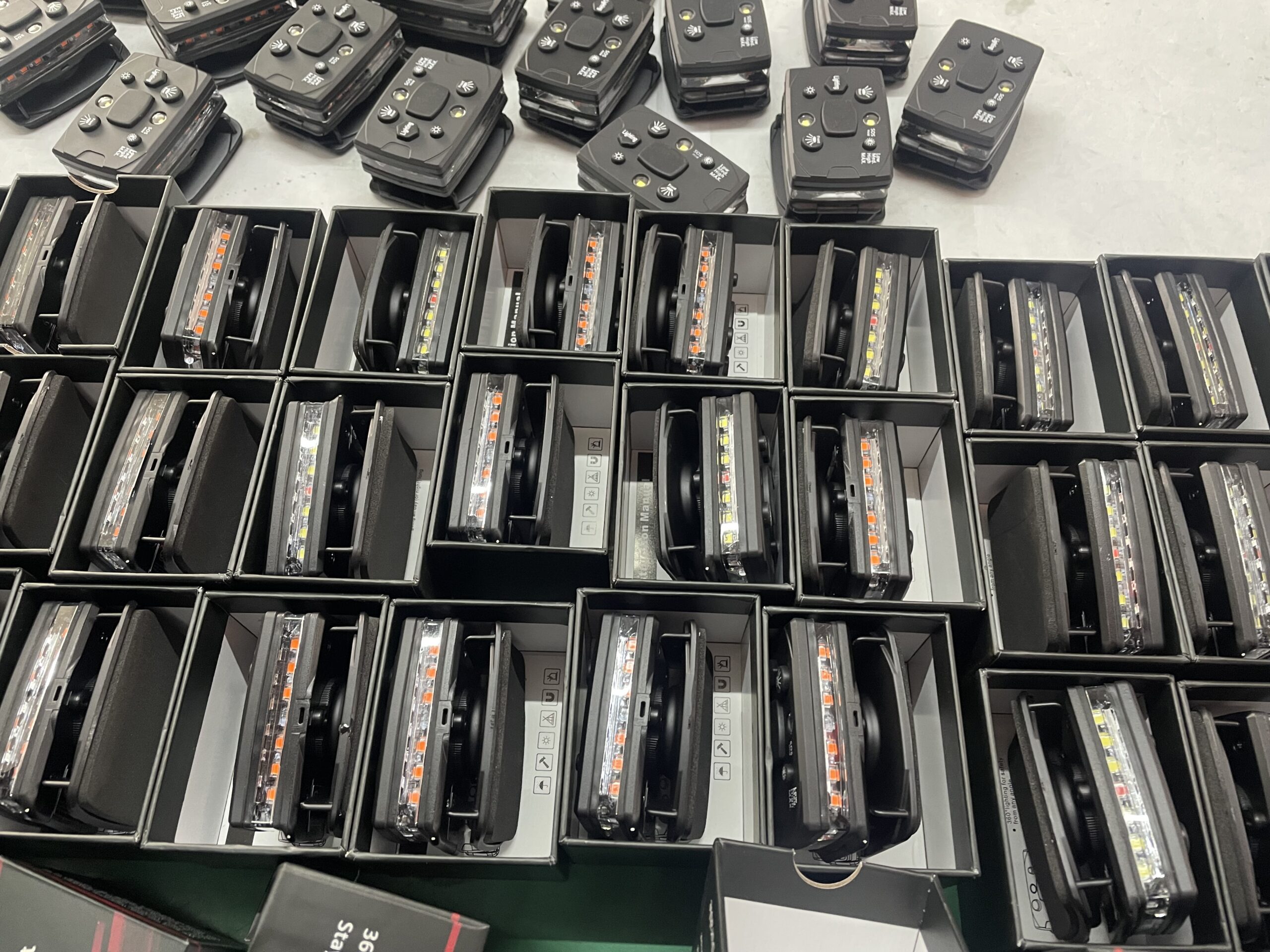
Who This Guide Is For
This guide is for fleet managers, distributors, department buyers, after-sales teams, and end customers handling defect reports. It is written for teams reporting or processing warranty issues who need a complete warranty claim package.
The Problem This Asset Solves
Warranty conversations slow down when the supplier receives only a vague message such as the light is broken, with no photo, symptom, batch, usage, or quantity details. The desired result is practical: The buyer wants faster support and clearer replacement decisions by sending the right evidence the first time.
This topic sits between marketing, procurement, field testing, packaging, support, and reorder planning. It helps the buyer or seller move from a loose conversation to a clear next action.
Information Needed Before You Start
| Information | What it means | How to use it |
|---|---|---|
| Buyer or user | Who needs the asset and who will use the light. | Keeps the document tied to a real role. |
| Use scenario | Where the light will be tested, quoted, demonstrated, packed, supported, or reordered. | Prevents generic answers. |
| Kit details | Light body, mount, charger, label, manual, packaging, and optional spares. | Shows what is included. |
| Evidence | Photos, videos, test notes, quote lines, batch details, or support records. | Makes the request actionable. |
| Decision needed | Sample, quote, demo, support, replacement, shipment, FAQ, or reorder. | Moves the conversation to a clear next step. |
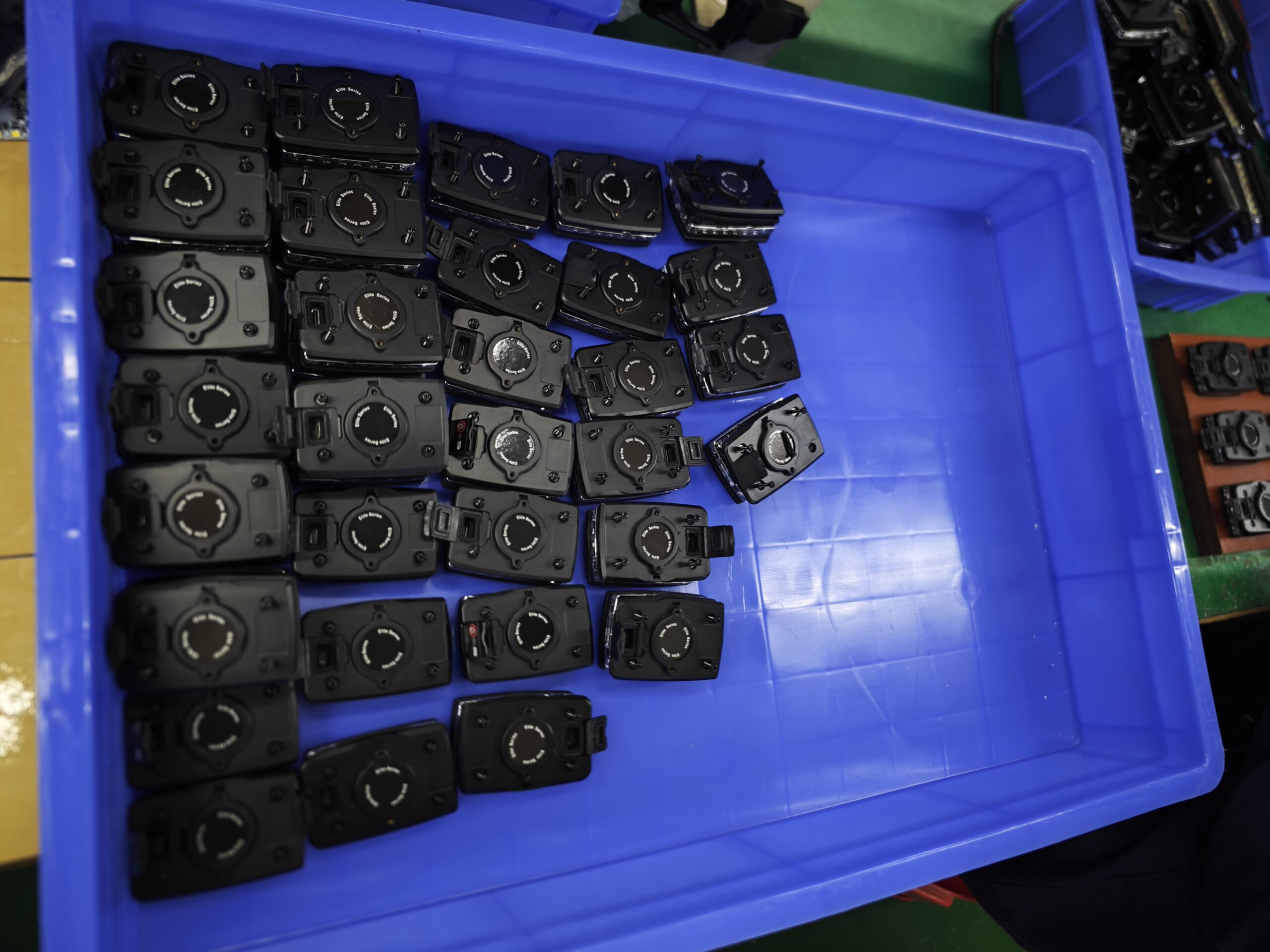
Practical Asset Template
| Field | What to include | Why it matters |
|---|---|---|
| Order record | Invoice, PO, date, quantity, model, and shipment details. | Connects the problem to the correct batch. |
| Symptom | Not charging, weak light, cracked housing, loose mount, mode problem, or missing accessory. | Helps support classify the issue. |
| Evidence | Photos, videos, label, charger test, and sample count. | Reduces back-and-forth. |
| Usage context | Weather, impact, cleaning, shift length, and charging routine. | Separates defect from misuse or process gaps. |
| Requested action | Replacement, part, troubleshooting, credit, or retest. | Makes the support outcome clear. |
Step-by-Step Workflow
- Define the exact buyer, user, or support situation.
- Write the missing information that causes delays today.
- Use the template fields below to organize the request or support case.
- Attach photos, sample notes, quote details, or batch information when needed.
- Send the same structured information to every supplier or internal reviewer.
- Record the decision, follow-up action, and owner.
For wearable safety light warranty claim guide, the point is to reduce friction. A useful sales or support asset should help the buyer move from uncertainty to action: sample, quote, demo, support, shipment check, FAQ answer, or reorder.
Quality Check Before Sending or Using This Asset
| Check | Pass standard | Warning sign |
|---|---|---|
| Complete | The asset includes role, scenario, product, kit, quantity, and next action. | Incomplete requests create delays. |
| Specific | Details are tied to a real field use or sales situation. | Vague requests produce vague answers. |
| Evidence-based | Photos, notes, batch records, and quote details are attached when needed. | Evidence reduces back-and-forth. |
| Comparable | Every supplier or model is asked the same question. | Fair comparison improves buyer confidence. |
| Reusable | The asset can be used again for a future quote, demo, claim, or reorder. | Reusable tools lower future workload. |
Evidence and Follow-Up Checklist
| Evidence | What to capture | How it helps |
|---|---|---|
| Photo evidence | Product, mount, label, carton, defect, or approved setup. | Shows the real condition. |
| Written context | User role, environment, quantity, route, batch, or order number. | Explains why the evidence matters. |
| Decision record | Approve, quote, retest, replace, reorder, or escalate. | Prevents loose conversations from disappearing. |
| Owner | Buyer, supervisor, reseller, support person, warehouse, or supplier contact. | Makes the next action accountable. |
| Timing | Sample date, quote deadline, claim date, shipment date, or reorder window. | Keeps the process moving. |
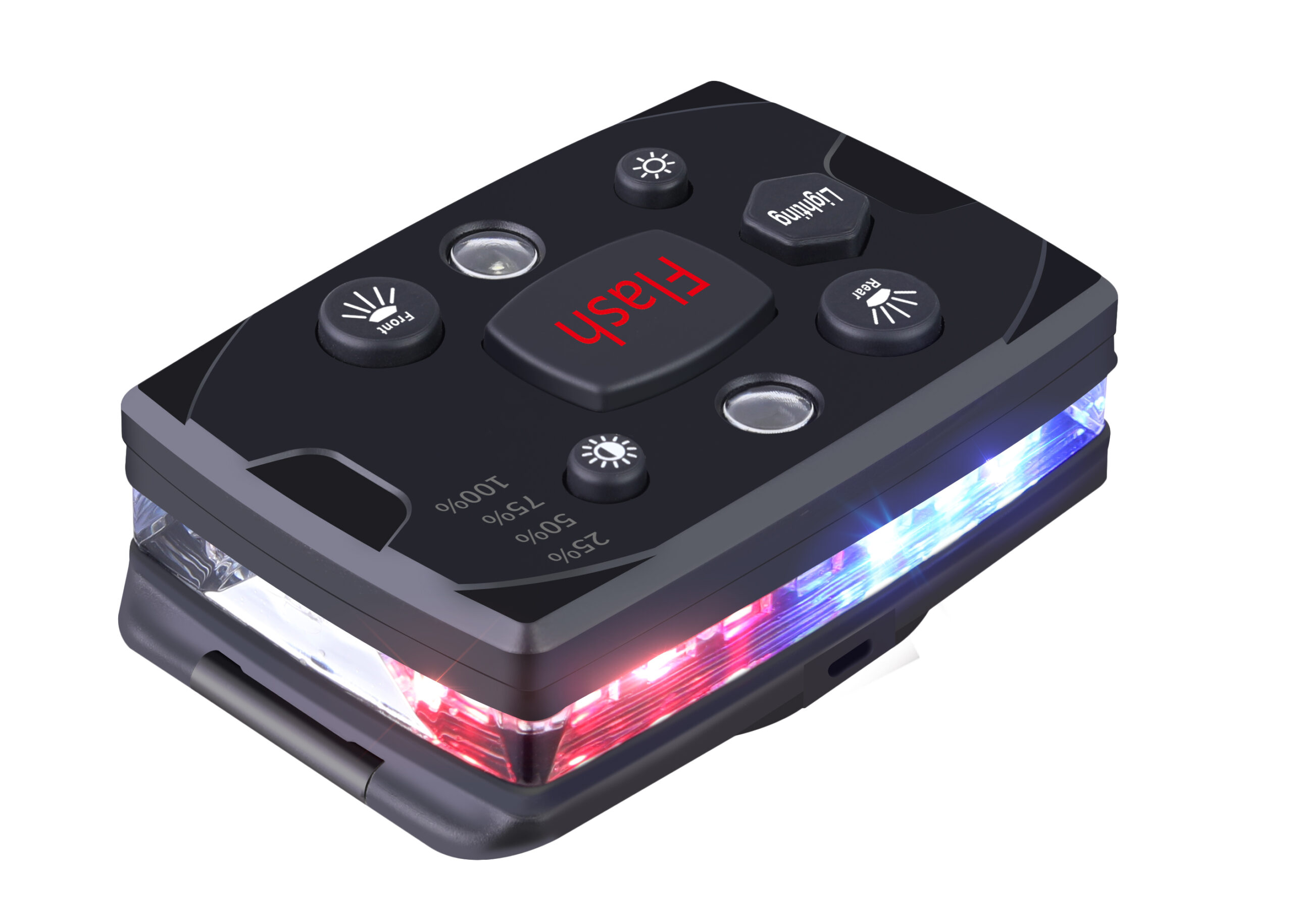
Common Mistakes to Avoid
- Sending a quote, claim, sample, or reorder request without the user role and scenario.
- Comparing a complete kit with a bare product price.
- Keeping photos, labels, batch details, or user feedback outside the project file.
- Waiting until a problem happens before defining support evidence.
- Repeating the same buyer questions manually instead of turning them into a reusable asset.
Internal Reading Path
Use these related guides to connect sales assets with RFQ, sample testing, procurement approval, packaging, warranty, and reorder planning.
- Warranty Replacement Questions
- Wearable Safety Light Replacement Cycle Guide
- Wearable Safety Light Maintenance Guide
- Wearable Safety Light Incoming QC Checklist
- Wearable Safety Light Compliance Evidence Folder
- Wearable Safety Light Sample Request Guide: What Buyers Should Send Before Testing
- Wearable Safety Light Bulk Quote Form Guide: Quantity, Kit, Packaging, Lead Time, and Destination
- Wearable Safety Light Demo Kit Guide for Distributors, Departments, and Safety Managers
- Wearable Safety Light Product Comparison Sheet for Models, Kits, Price, and Support
- Wearable Safety Light User Manual Checklist for Training and After-Sales Support
- Wearable Safety Light Troubleshooting Guide: Not Charging, Weak Light, Loose Mount, or Mode Problems
Implementation Checklist
- Write the buyer, user role, and use scenario.
- List the exact kit, accessory, packaging, or support details involved.
- Attach photos, videos, quote lines, labels, or batch records when needed.
- Define the next action: sample, quote, demo, troubleshoot, replace, ship, answer, or reorder.
- Assign the owner and deadline.
- Save the final asset for reuse in future sales or support conversations.
Keep the Asset Practical
The best sales or support asset is short enough to use during a real quote, demo, warranty case, or reorder conversation. This matters for teams reporting or processing warranty issues because their goal is a complete warranty claim package.
The stronger habit is simple: write down the role, scenario, kit, evidence, and next action. That small structure can save many messages later.
Write for the Person Who Acts Next
A good form or checklist should help the next person do their job: quote, test, approve, ship, troubleshoot, or reorder. This matters for teams reporting or processing warranty issues because their goal is a complete warranty claim package.
The stronger habit is simple: write down the role, scenario, kit, evidence, and next action. That small structure can save many messages later.
Avoid Hidden Assumptions
If a quote does not say whether the mount, charger, packaging, or support process is included, the buyer should treat that as missing information. This matters for teams reporting or processing warranty issues because their goal is a complete warranty claim package.
The stronger habit is simple: write down the role, scenario, kit, evidence, and next action. That small structure can save many messages later.
Use the First Order to Improve the Second
Sample requests, demos, warranty records, and reorders all become stronger when the team records what happened during real use. This matters for teams reporting or processing warranty issues because their goal is a complete warranty claim package.
The stronger habit is simple: write down the role, scenario, kit, evidence, and next action. That small structure can save many messages later.
Make Support Easier Before Problems Happen
Warranty and troubleshooting are faster when manuals, labels, batch records, and package details are organized before the first shipment. This matters for teams reporting or processing warranty issues because their goal is a complete warranty claim package.
The stronger habit is simple: write down the role, scenario, kit, evidence, and next action. That small structure can save many messages later.
Turn Questions Into Reusable Answers
If buyers ask the same question repeatedly, the answer belongs in a checklist, FAQ, manual note, or product page section. This matters for teams reporting or processing warranty issues because their goal is a complete warranty claim package.
The stronger habit is simple: write down the role, scenario, kit, evidence, and next action. That small structure can save many messages later.
Keep the Asset Practical
The best sales or support asset is short enough to use during a real quote, demo, warranty case, or reorder conversation. This matters for teams reporting or processing warranty issues because their goal is a complete warranty claim package.
The stronger habit is simple: write down the role, scenario, kit, evidence, and next action. That small structure can save many messages later.
Write for the Person Who Acts Next
A good form or checklist should help the next person do their job: quote, test, approve, ship, troubleshoot, or reorder. This matters for teams reporting or processing warranty issues because their goal is a complete warranty claim package.
The stronger habit is simple: write down the role, scenario, kit, evidence, and next action. That small structure can save many messages later.
Avoid Hidden Assumptions
If a quote does not say whether the mount, charger, packaging, or support process is included, the buyer should treat that as missing information. This matters for teams reporting or processing warranty issues because their goal is a complete warranty claim package.
The stronger habit is simple: write down the role, scenario, kit, evidence, and next action. That small structure can save many messages later.
Use the First Order to Improve the Second
Sample requests, demos, warranty records, and reorders all become stronger when the team records what happened during real use. This matters for teams reporting or processing warranty issues because their goal is a complete warranty claim package.
The stronger habit is simple: write down the role, scenario, kit, evidence, and next action. That small structure can save many messages later.
Make Support Easier Before Problems Happen
Warranty and troubleshooting are faster when manuals, labels, batch records, and package details are organized before the first shipment. This matters for teams reporting or processing warranty issues because their goal is a complete warranty claim package.
The stronger habit is simple: write down the role, scenario, kit, evidence, and next action. That small structure can save many messages later.
Turn Questions Into Reusable Answers
If buyers ask the same question repeatedly, the answer belongs in a checklist, FAQ, manual note, or product page section. This matters for teams reporting or processing warranty issues because their goal is a complete warranty claim package.
The stronger habit is simple: write down the role, scenario, kit, evidence, and next action. That small structure can save many messages later.
Keep the Asset Practical
The best sales or support asset is short enough to use during a real quote, demo, warranty case, or reorder conversation. This matters for teams reporting or processing warranty issues because their goal is a complete warranty claim package.
The stronger habit is simple: write down the role, scenario, kit, evidence, and next action. That small structure can save many messages later.
Write for the Person Who Acts Next
A good form or checklist should help the next person do their job: quote, test, approve, ship, troubleshoot, or reorder. This matters for teams reporting or processing warranty issues because their goal is a complete warranty claim package.
The stronger habit is simple: write down the role, scenario, kit, evidence, and next action. That small structure can save many messages later.
Avoid Hidden Assumptions
If a quote does not say whether the mount, charger, packaging, or support process is included, the buyer should treat that as missing information. This matters for teams reporting or processing warranty issues because their goal is a complete warranty claim package.
The stronger habit is simple: write down the role, scenario, kit, evidence, and next action. That small structure can save many messages later.
Use the First Order to Improve the Second
Sample requests, demos, warranty records, and reorders all become stronger when the team records what happened during real use. This matters for teams reporting or processing warranty issues because their goal is a complete warranty claim package.
The stronger habit is simple: write down the role, scenario, kit, evidence, and next action. That small structure can save many messages later.
Make Support Easier Before Problems Happen
Warranty and troubleshooting are faster when manuals, labels, batch records, and package details are organized before the first shipment. This matters for teams reporting or processing warranty issues because their goal is a complete warranty claim package.
The stronger habit is simple: write down the role, scenario, kit, evidence, and next action. That small structure can save many messages later.
FAQ
Who should use wearable safety light warranty claim guide: photos, symptoms, batch, and replacement process?
It is useful for teams reporting or processing warranty issues who need a complete warranty claim package before, during, or after a wearable safety light purchase.
Does this replace a real sample test?
No. It helps organize the conversation, but buyers should still test sample units in the real user role, clothing, route, charging routine, and work environment.
What should the buyer prepare first?
Start by separating product-body issues, charger issues, mount issues, and user-process issues.
What evidence should be attached?
Attach clear photos, user feedback, sample notes, quote details, packaging information, support contact, batch details, and any field-test records that explain the request.
How can Guardian ProX be used with this asset?
Guardian ProX can be used as a reference sample for checking visibility, mounting, charging, packaging, support workflow, and user acceptance before a larger order.
Recommended Next Step
If this guide matches your situation, use Guardian ProX wearable safety light as a reference sample and organize the information before sending a sample request, quote form, demo plan, warranty claim, packing check, FAQ answer, or reorder request.
New Wearable Safety Light After-Sales Operations Guides
These guides help distributors, safety teams, and fleet buyers manage after-sales support, customer success, onboarding, inventory, spare parts, training refresh, support tickets, knowledge base content, and reorder triggers.
- Wearable Safety Light After-Sales Support Guide for Distributors, Departments, and Fleet Buyers
- Wearable Safety Light Customer Success Plan: Onboarding, Adoption, Support, and Reorders
- Wearable Safety Light Onboarding Checklist for New Teams, New Sites, and New Supervisors
- Wearable Safety Light Inventory Control Guide for Shared Units, Spares, Chargers, and Labels
- Wearable Safety Light Spare Parts Planning Guide for Mounts, Chargers, Labels, and Replacement Units
- Wearable Safety Light Training Refresh Program for Seasonal Crews, Turnover, and New Work Conditions
- Wearable Safety Light Support Ticket Workflow: Track Failures, Claims, Lost Units, and User Questions
- Wearable Safety Light Knowledge Base Guide: FAQs, Troubleshooting, Policies, and Field Evidence
- Wearable Safety Light Reorder Trigger System: Usage, Loss, Damage, Expansion, and Budget Timing
- Wearable Safety Light After-Sales Operations Hub: Support, Inventory, Training, Tickets, and Reorders